
- 0
- 1,575 word
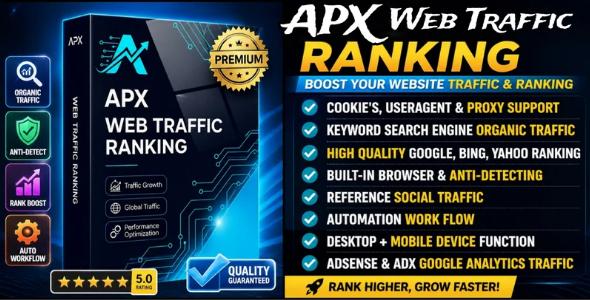
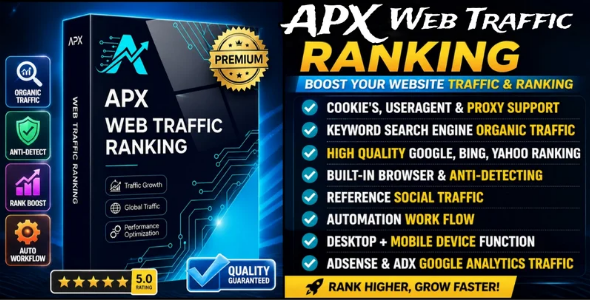
APX Traffic is a website traffic software that provides unlimited organic traffic to your website. It takes care of all the security measures required for safe browsing.
Traffic bot ensures security by using Proxies, User Agents, Cookies, organically human-like scrolling on page, internal page navigation and tons of more features. Each browser window visits your target URLs as a unique user with a different browser identity, fingerprint, and optionally a different IP address through proxy support.
Why Our Software Is Unique
Software is unique and different from other software because it includes powerful new features,
making it the best and most advanced solution available.

Advanced Features & Benefits
All traffic generated by our software appears clearly in Google Analytics
and Google Search Console, ensuring complete transparency.
The software is extremely beneficial for ranking your product or website
on all major search engines, including Google, Bing, and Yahoo.
It improves visibility, increases organic reach, and helps you achieve higher rankings.
Social Media Traffic Feature
One of its most powerful features is the Social Media Traffic system,
which includes all major social platforms.
It redirects safe and high-quality traffic to your website, generating
unique and organic visitors.
The system also keeps all user accounts fully safe, secure, and protected.

Main Features
- Keyword Search-Engine Organic Ranking Traffic
- Android Emulator Support
- Bulk Cookies Function
- Social Media Traffic
- Launch multiple browser threads at the same time
- Random browser fingerprints for each session
- User agent spoofing (Windows, macOS, Linux, Android, iOS)
- Human-like scrolling behavior
- Article link visiting (multi-page sessions)
- Auto timezone matching based on proxy location
- Built-in Chromium browser (no separate installation needed)
- WebRTC disabled by default to prevent IP leaks
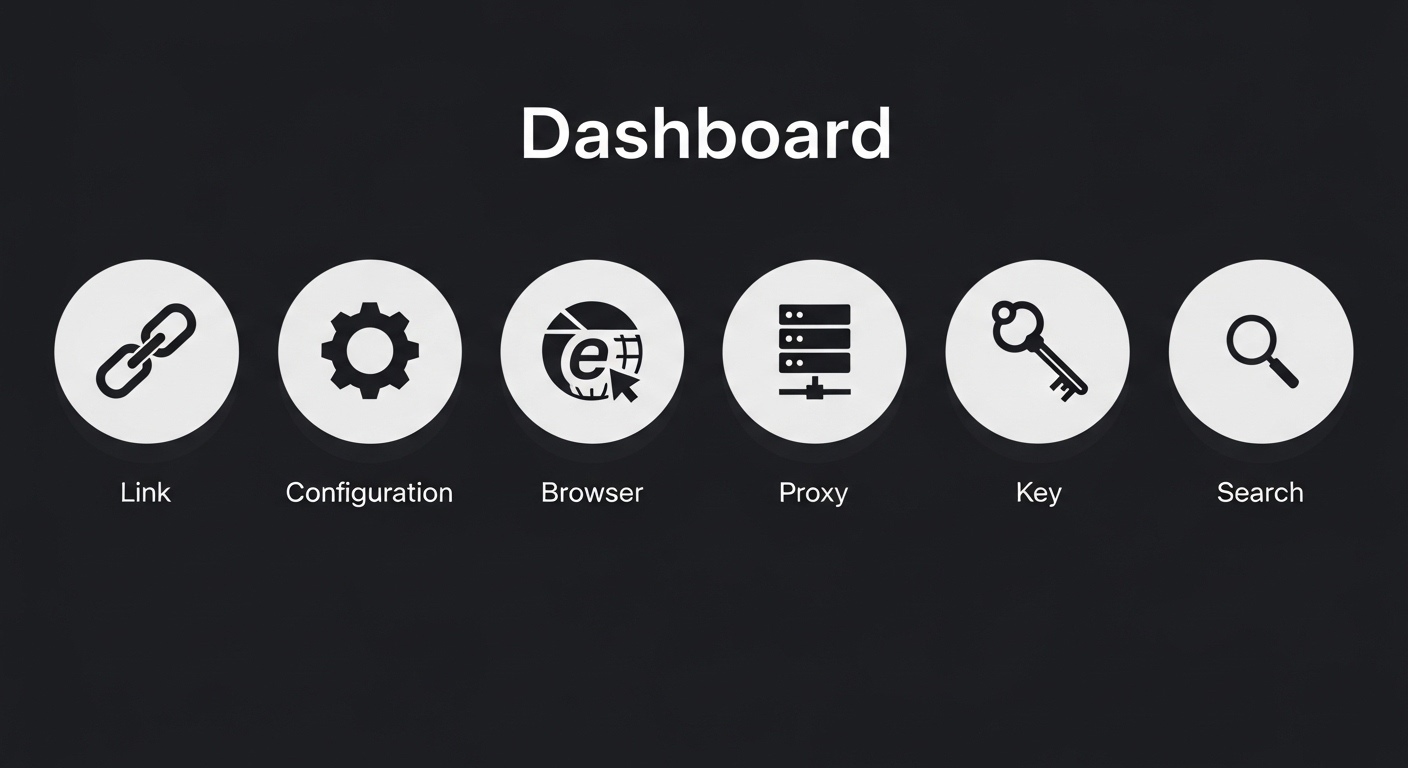
Dashboard – All-in-One Control Panel
Dashboard
The Dashboard is the main control panel of the software. From here you can monitor everything in real time and control all automation with a single click. It shows you how many browser threads have been created in the current session, how many are currently active and running, and how many have already completed their visit cycle. You can start the automation by clicking Start Auto Browser, which opens browser windows and sends them to your target URLs based on your settings. The Stop All Threads button immediately closes all running browser windows. Clear All Threads resets the thread list on the screen. The Configure button opens the Advanced Configuration popup where you can quickly adjust the main settings. You can also set the number of threads, delay between each launch, and timeout duration directly from the dashboard without opening any other page.
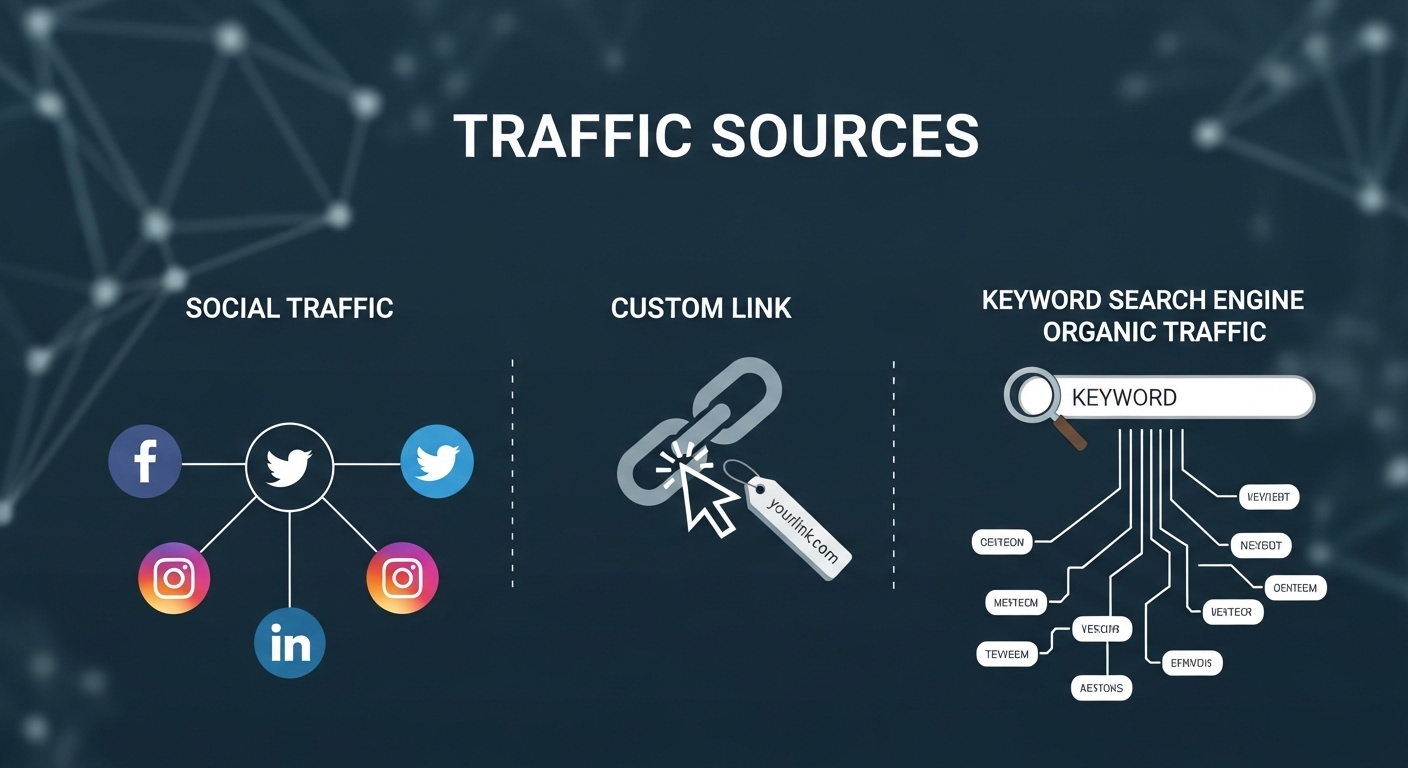
Traffic Sources – 3 Types of Visitor Simulation
APX Traffic supports three different traffic source types to make your analytics look completely natural:
- Social Traffic – Simulates visits coming from Facebook, Twitter, Instagram, and LinkedIn
- Custom Link – Sends direct traffic to any target URL you specify
- Keyword Organic Traffic – Generates search engine traffic using your target keywords
Advanced Configuration
The Advanced Configuration popup gives you full control over how the automation runs. You can set how many browser threads run at the same time, how long to wait between launching each one, and how many seconds a thread stays alive before it automatically closes. If a thread fails to connect, the software will retry it automatically based on the retry attempts value you set. You can enable proxy rotation so each thread gets a different proxy from your list, making every visit appear to come from a different location. Random fingerprints are enabled by default, which means every thread gets a unique browser identity so no two visits look the same to the target website.
Configuration Settings Page
The Configuration Settings page is the full settings area accessible from the sidebar. It contains every option in one place. You can control the thread count, delay, timeout, and retry settings just like in the Advanced Configuration popup. Additionally, this page gives you access to human-like scrolling and article visiting features. You can also add and manage all your target URLs from here. Multiple URLs are supported, and the threads are distributed across all of them automatically. At least one URL must be added before you can start the automation.

Search Engine Support – Real Mouse Click Simulation
APX Traffic performs real keyword searches on major search engines and clicks on results just like a human visitor would. Supported search engines include:
- Bing
- Yahoo
- Brave
- DuckDuckGo
- Yandex
- Baidu
- Custom (any search engine URL)
Human-like Scrolling
When Human-like Scrolling is enabled, the browser does not just load the page and sit still. It scrolls through the page slowly with natural pauses and variable speed, simulating the behavior of a real person reading the content. This significantly improves your session quality metrics in analytics platforms because the visit looks genuine rather than automated. By default this feature is turned off and can be enabled from the Configuration Settings page.
Article Visiting
When Article Visiting is enabled, the browser does not just visit the landing URL and stop. After loading the main page, it clicks on internal links and visits sub-pages within the same website. This increases the pages-per-session count and raises the average session duration, both of which are important engagement metrics. This feature is turned off by default and can be enabled from the Configuration Settings page.
Target URLs
- Add one or more URLs where you want traffic to be sent
- At least one URL is required to start automation
- Multiple URLs distribute threads across all entries
- Use the + Add URL button to add more, and the X button to remove
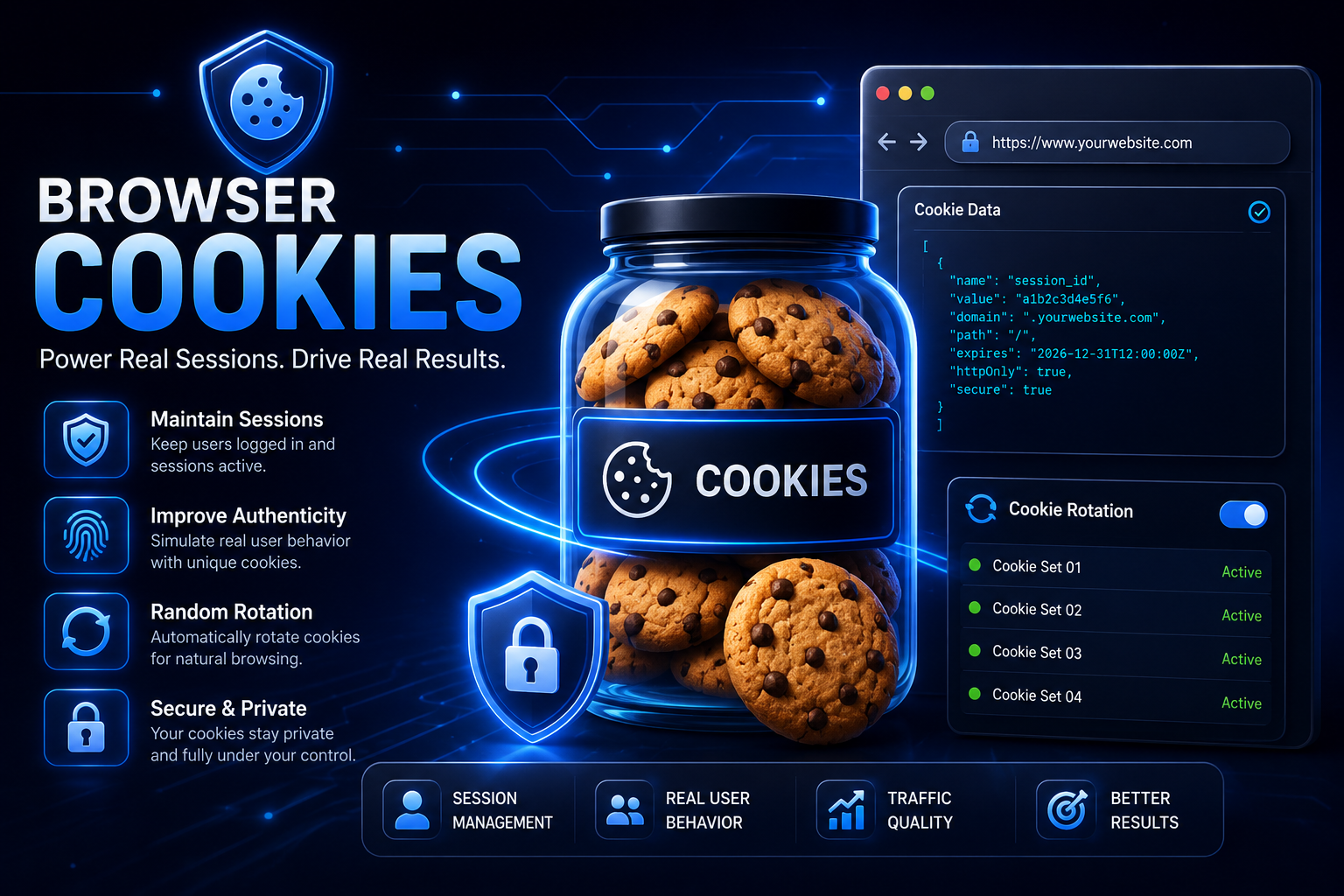
Cookie Manager
Manage and organize multiple browser cookie sets for your traffic campaigns.
Cookies help maintain browsing sessions, improve authenticity, and simulate
real user behavior during automated browsing activities.
You can add cookie sets by pasting cookies directly or uploading a cookie file.
Each cookie set can be assigned a custom name for easy identification.
Features:
- Import cookies from text or file.
- Store multiple cookie sets.
- Random Cookie Rotation support.
- Assign different cookies to browser threads automatically.
- Improve session consistency and browsing authenticity.
- Easy management with view and delete options.
Random Cookie Rotation: When enabled, each browser thread
receives a random cookie set from the pool, helping distribute sessions
across different browsing instances.
Supported formats: JSON Array and
TXT cookie files.

Fingerprint Management
The Fingerprint Management section controls how each browser window identifies itself to the websites it visits. With Dynamic Fingerprints enabled, the software automatically generates a realistic browser fingerprint based on the selected user agent. If the user agent is from Android, the fingerprint will be a mobile one. If it is from Windows, it will be a desktop fingerprint. You can see the currently active user agent string and the detected operating system at a glance. WebRTC is permanently disabled in all browser sessions to prevent your real IP address from leaking through the proxy. You can also preview the fingerprint that will be generated for your current settings before starting. The software uses its own built-in Chromium browser so you do not need to have Chrome or any other browser installed separately.

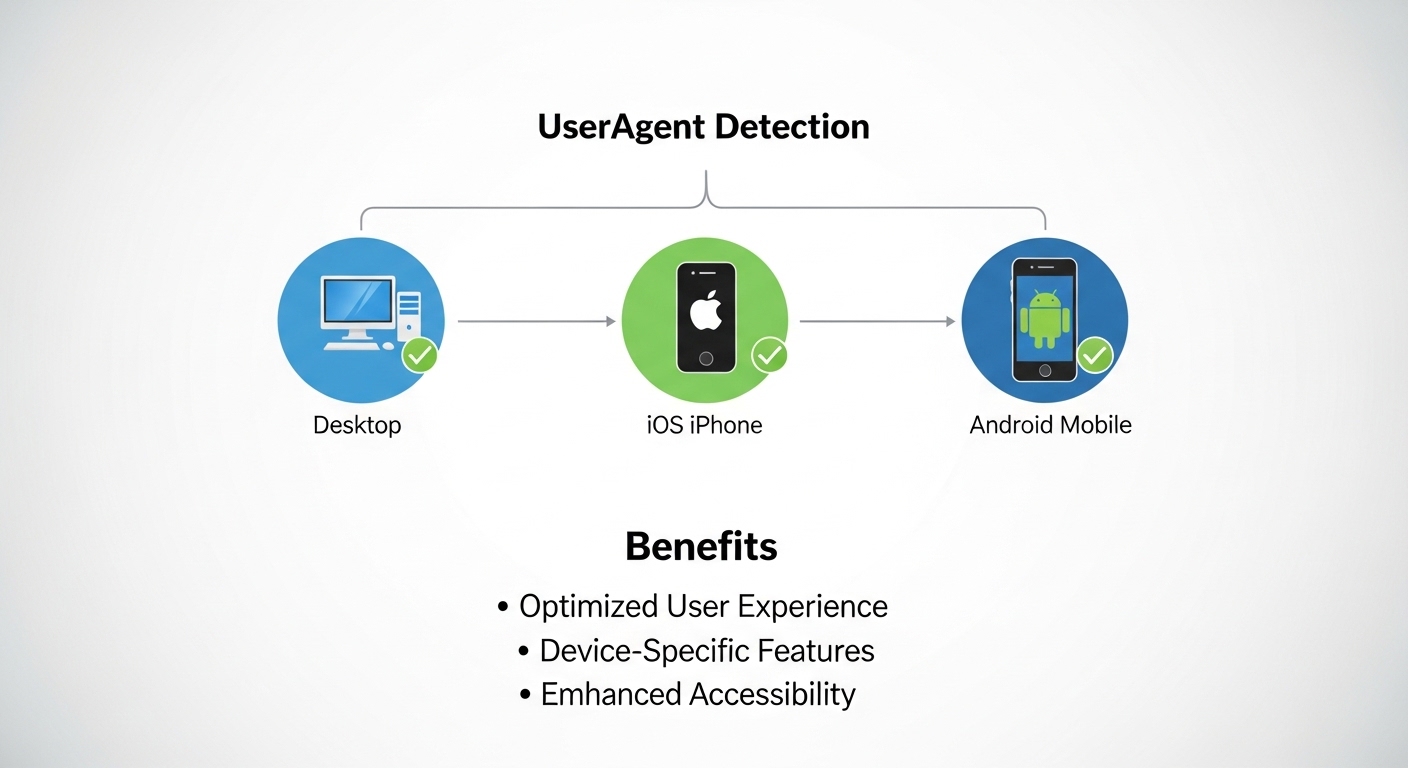
UserAgent Detection – Desktop, iOS & Android Simulation
APX Traffic automatically rotates user agent profiles to simulate visitors from different devices. This makes your traffic appear more diverse and realistic in Google Analytics and Search Console.
- Desktop browser simulation
- iOS iPhone user agent emulation
- Android Mobile user agent emulation
User Agent Settings
The User Agent Settings section lets you choose which browser identity string is sent to every website the software visits. You can select a single platform such as Windows, macOS, Linux, Android, or iOS, and all threads will use user agents from that platform only. You can also select multiple platforms at the same time so threads receive random user agents from all selected platforms, making traffic appear to come from a wide mix of devices. There is a Select All button to enable all platforms at once and a Clear Selection button to deselect them. You can also add your own completely custom user agent string if needed.
Multi-Device Integration – Wider Reach
With built-in support for Desktop, iOS, and Android device profiles, APX Traffic creates a realistic mix of visitor sessions that closely mirrors real-world traffic patterns — improving your site’s credibility in analytics dashboards.
Browser Instances — Manual Launch
The Manual Browser Launch feature lets you open a single browser window on demand for testing purposes. This is completely separate from the automated thread system. You can specify a proxy host and port for that session and choose a specific user agent from the dropdown. This is useful for checking how your website looks and behaves through a particular proxy or device identity before running the full automation.
System Requirements
- OS: Windows 7 / 8 / 10 / 11 (64-bit recommended)
- Processor: Core i3 (Core i5+ recommended)
- RAM: Minimum 4 GB (8 GB recommended)
- Storage: 2 GB free space
- Internet: Required for browser installation and license validation
- Graphics: DirectX 11 compatible (for UI rendering)
Note: Source code is NOT provided. This is a compiled Windows (.exe) application only.
License & Usage
- Single-user license (Device-bound)
- Installable on one PC only
- Commercial use allowed
- Free updates for 6 months
- Priority technical support included
Disclaimer
NOTE:This software may require external services such as proxies for scaling and optimal performance. These services may involve additional costs depending on usage.
Download & Support
After purchase, you will receive:
- Download link for Windows (.exe) installer
- Video tutorial and setup guide
- Email technical support (24-48 hour response)
- Access to updates and bug fixes
Version: 2.2
Last Updated:May 2026
Author

abcdmedia7@gnmail.com
Related Posts

Bulk SMS Software via Modems (GSM/CDMA)
- 0
- 143 words
LIVE PREVIEWBUY FOR $249 Bulk SMS Software via modems is a stand alone software based on using a USB stick modem that can...
Read out all
Easy Pharmacy Management Software with GST
- 0
- 283 words
LIVE PREVIEWBUY FOR $249 Allows you to buy in bulk sell in loose All reports for specified period selected using calender Updates...
Read out all
RestroPRO – POS software for Restaurant, Cafe, Hotel, Food Truck
- 0
- 128 words
LIVE PREVIEWBUY FOR $99 Imagine a restaurant management system that simplifies your daily operations, empowers your staff, and elevates your customer service....

Multi Institute Management WordPress Plugin | Institute ERP Software
- 0
- 1,623 word
LIVE PREVIEWBUY FOR $49 Multi Institute Management is a powerful WordPress ERP plugin that enables you to manage multiple institutes and branches...
LMS Module | Laravel Online School Management System Software
- 0
- 429 words
LIVE PREVIEWBUY FOR $67 InfixEdu | LMS add-on Live Demo: https://infixedu.ischooll.com Introducing the LMS Module for InfixEdu School Management System We are...
Expense Management Software
- 0
- 159 words
LIVE PREVIEWBUY FOR $149 Basic Modules : Brand Model Unit Items/Product Items entry from excel Customer Supplier Broker Bill Receiver Product Receiver...
Read out all